
AI Chatbot Conversations Archive is essential if you want to save and manage your chat history permanently. Have you ever spent 3 hours crafting the perfect business plan with ChatGPT, only to find the chat disappeared the next morning? I have. I lost a complete keyword research for my blog hustleai.blog because I thought my chat history was safe forever.
That day I learned a hard lesson: Your AI chat history is not permanent. AI companies can delete it, you can accidentally delete it, or a simple browser glitch can wipe it out. That’s why every serious blogger, student, and entrepreneur needs a proper AI Chatbot Conversations Archive system.
In this 2026 guide, I will share my personal system that I use for HustleAI and SaasMagaNews to save, organize, and secure over 2,000 AI conversations without losing a single important idea.
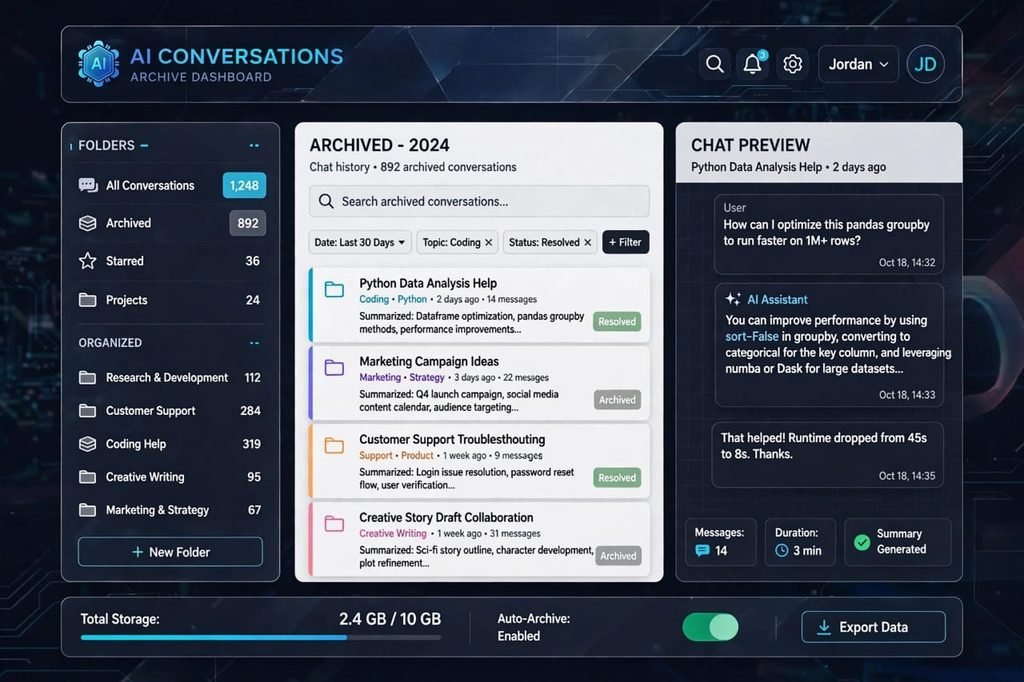
Table of Contents
What is an AI Chatbot Conversations Archive System and Why It Is Critical in 2026?
An AI Chatbot Conversations Archive is simply a personal backup of all your important chats with AI tools like ChatGPT, Claude, Gemini, and Perplexity. It’s your private library outside of the official platforms.
We are in 2026, and AI chats are no longer just casual questions. They contain our business strategies, YouTube scripts, code snippets, client emails, and SEO plans. Treating them as temporary chats is a big mistake.
The Positive Side: Why Archiving is a Game-Changer
When I started archiving, my productivity doubled. Here is why:
1. Your Second Brain: I often reuse my old prompts. I had a prompt that gave me perfect SEO titles. Because it was archived, I found it in 10 seconds and reused it. Without an archive, I would have spent 30 minutes rewriting it.
2. No More “Where did I see that?” Moment: How many times have you thought, “ChatGPT gave me a great tool name last week, where is it now?” An archive ends this frustration forever. You can search it like Google.
3. Proof of Work: For freelancers and agencies, an archive is proof. If a client says “you didn’t do this research,” you can show them the timestamped conversation.
The Negative Side: The Risks No One Talks About
Archiving is not all positive. There are two real dangers you must know.
1. The Biggest Risk – Privacy Leak: This is the dark side. When you export all your chats to Google Drive or Notion, you are creating a single file that contains everything. Your personal thoughts, your business revenue ideas, maybe even passwords you accidentally pasted. If your Google Drive gets hacked, your entire digital life is exposed. I never archive chats that contain any password or bank details. Never.
2. The Time Cost and Clutter: Let’s be honest. If you save every single “Hi, how are you?” chat, your archive will become a digital garbage bin. I made this mistake in the beginning. My archive had 800 useless chats and finding one important chat was impossible. Archiving requires discipline and 20-30 minutes per week to clean and organize. It is an extra job.
How to Save Your AI Chatbot Conversations Archive: 3 Proven Methods
After trying 10+ tools, I have found only 3 methods that actually work long-term. You can choose one based on your needs.
Method 1: The Official Export Feature (Safest for Beginners)
This is the most secure and recommended by OpenAI itself. No third-party tool needed.
For ChatGPT Users: Go to ChatGPT > Click your profile picture > Settings > Data Controls > Export Data. Click Confirm. Within a few hours, you will get an email with a ZIP file. Inside, you will find your complete conversations in HTML format (easy to read) and JSON format (for developers). This is your full AI Chatbot Conversations Archive.
For Claude Users: Go to Settings > Privacy > Export Data. You will get all your chats in a clean markdown file.
For Gemini Users: Go to myactivity.google.com > You can filter by Gemini activity and download it.
My Personal Tip: Do this on the 1st of every month. Set a calendar reminder. I call it “Archive Day”.
Method 2: Automatic Tools and Extensions (Best for Power Users)
If you chat 20+ times a day, manual export is not enough. You need automation.
1. SaveGPT Chrome Extension: This is my number one tool. Once installed, it automatically saves every ChatGPT conversation to a Google Doc or Notion page. You don’t have to click anything. It runs in the background.
2. Notion AI Saver: If you manage your blog content in Notion, this is a lifesaver. You can add tags like #SEO #Money #Ideas directly while chatting. Later you can filter all your chats in Notion by tag. This is how I organize all HustleAI research.
3. Chatbox AI – Archive Manager: This desktop app lets you chat with ChatGPT, Claude, and Gemini in one place, and it keeps a local backup on your computer. No cloud risk. This solves the privacy negative point I mentioned earlier.
Method 3: My Manual Pro System for Bloggers (Most Organized)
This is the system I use for SaasMagaNews and it has never failed me.
Step 1: Create a folder in Google Drive named “AI Archive 2026” Step 2: Inside it, create 4 sub-folders: 01-Blog Content, 02-Business Ideas, 03-Coding & Tools, 04-Personal Learning Step 3: Whenever a chat is important, don’t just close it. Click Share > Export as PDF or Copy as Markdown and save it to the right folder. Step 4: Use a proper naming system. Never save as “ChatGPT.pdf”. Always use: YYYY-MM-DD_Keyword_Topic.pdf Example: 2026-10-26_AI-Chatbot-Conversations-Archive_Guide.pdf
This system takes 1 minute per important chat but saves you hours in the future.
5 Golden Rules to Manage Your Archive Like a Pro
Saving is easy, managing is difficult. Follow these 5 rules to keep your archive clean and useful.
Rule 1: The 10-Minute Weekly Cleanup: Every Sunday, spend 10 minutes. Open your archive folder and delete any chat that is just “thank you” or “write a joke”. Keep only value. If you don’t, in 3 months you will have 1,000 files and you will never open it again.
Rule 2: Separate Good Prompts: Create a separate Google Doc named “My Best Prompts Vault”. Whenever a prompt gives you an amazing result, copy only the prompt to this vault. After 6 months, you will have 100+ proven prompts. This vault is worth more than any paid course.
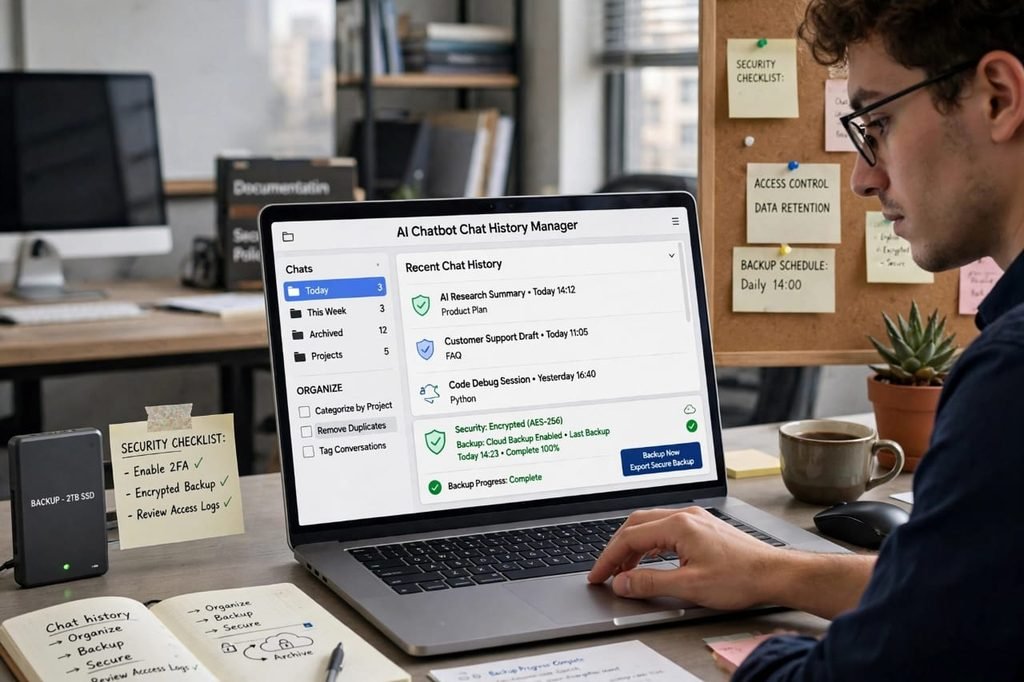
Rule 3: Security is Non-Negotiable: To fix the privacy negative point, always protect your archive. Use 2-factor authentication on your Google Drive. Never save a chat that has a password, API key, or personal ID. If you have to save it, encrypt the PDF with a password.
Rule 4: Make It Searchable: Don’t save as images. Save as Text, PDF with selectable text, or Markdown. So that when you search for “SaaS tools” in your Drive, it finds the content inside the PDFs too. This makes your AI chatbot conversations archive truly powerful.
Rule 5: Don’t Trust Only One Place: Keep two copies. One on Google Drive and one backup on an external hard drive every 3 months. I learned this after Google Drive had a sync error and I almost lost 200 chats.
Final Verdict: Should You Build an Archive?
If you use AI just for fun, you don’t need a complex archive. The built-in history is enough.
But if you are like me, using AI to build blogs, earn money, study, or run a business, then an AI Chatbot Conversations Archive is not optional. It is your insurance policy. It is your second brain.
Yes, it has a negative side of privacy risk and takes some time to manage. But the positive side of never losing a million-dollar idea is far bigger.
My advice: Start today. Don’t aim for perfection. Just go to ChatGPT Settings and click Export Data right now. You will get your first backup. That one click is the start of your professional system.
How do you save your AI chats? Do you have any better tool? Comment below, I will add it to this guide and give you a backlink from HustleAI!
Related: Check our guide on Write For Us Artificial Intelligence – Guest Post Guidelines
Frequently Asked Questions (FAQs) – AI Chatbot Conversations Archive
1. How do I create an AI chatbot conversations archive?
To create an AI chatbot conversations archive, go to your AI tool’s settings. For ChatGPT, go to Settings > Data Controls > Export Data. You will get a ZIP file with all your chat history. Save this file to your Google Drive with a date-wise folder system. This is the safest and official method.
2. Where is my ChatGPT chat history stored?
Your ChatGPT chat history is stored on OpenAI’s servers linked to your account. It is also saved in your browser’s local cache. If you clear your browser cache or delete a chat by mistake, it is permanently deleted from the server after 30 days. That’s why creating your own local archive is very important.
3. Is it safe to archive my AI conversations?
Yes, it is safe if you do it correctly. The main risk is privacy. If your archive contains personal, business, or client data and your Google Drive gets hacked, your data can be leaked. Always use 2-factor authentication, never save passwords in chats, and encrypt sensitive PDF files with a password.
4. Can I export all my ChatGPT conversations at once?
Yes. OpenAI allows you to export all conversations at once. Just go to Settings > Data Controls > Export Data > Confirm Export. You will receive an email within a few hours with a download link. This file contains your entire history in HTML and JSON format.
5. What is the best tool to automatically save AI chats?
The best tools in 2026 are SaveGPT Chrome Extension and Notion Saver. SaveGPT automatically saves every new chat to your Google Drive without any click. Notion Saver is best for bloggers because it lets you add tags like #SEO, #Business, #Ideas to organize your AI chatbot conversations archive easily.
6. How do I manage a large archive with 1000+ conversations?
To manage a large archive, don’t keep everything in one folder. Create a folder system like /AI Archive/2026/Topic Wise/. Use a naming convention like YYYY-MM-DD_Topic_Name. Also, use a tool like Chatbox AI Archive Manager which lets you search inside all your chats like you search on Google.
7. Can I recover deleted ChatGPT conversations?
If you deleted a conversation within the last 30 days, you cannot recover it from the interface, but if you had already exported your data before deletion, you can recover it from your personal archive. If you have no archive, the chat is permanently lost. This is the biggest reason why monthly backup is crucial.
8. Does archiving chats improve my AI results?
Yes, absolutely. When you archive your chats, you create a personal prompt library. You can review which prompts gave you the best results and reuse them. Many professional bloggers maintain a separate doc called “Best Prompts Vault” from their archive, which saves them hours of work every week.