
I still remember the first time I used an AI code generator. It was late at night, I was stuck on a simple Python function for almost an hour, and I was frustrated. I typed my problem into the tool, and within 5 seconds, it gave me clean, working code. I sat there and thought, “Why did I not try this earlier?”
If you are a developer, a student, a freelancer, or even a complete beginner who wants to build websites and apps, you have probably felt the same frustration. Coding is powerful, but it is also slow, repetitive, and full of tiny errors that can waste your whole day.
That is exactly why best AI code generator tools in 2026 have become so popular. They do not replace developers. They help developers write code faster, with fewer errors, and with more confidence.
In this honest guide, I will show you the best AI code generator tools in 2026/27, how they actually work, which one is best for beginners, which one is best for professionals, their real pros and cons, pricing, and my personal recommendation. No hype. Just real experience.
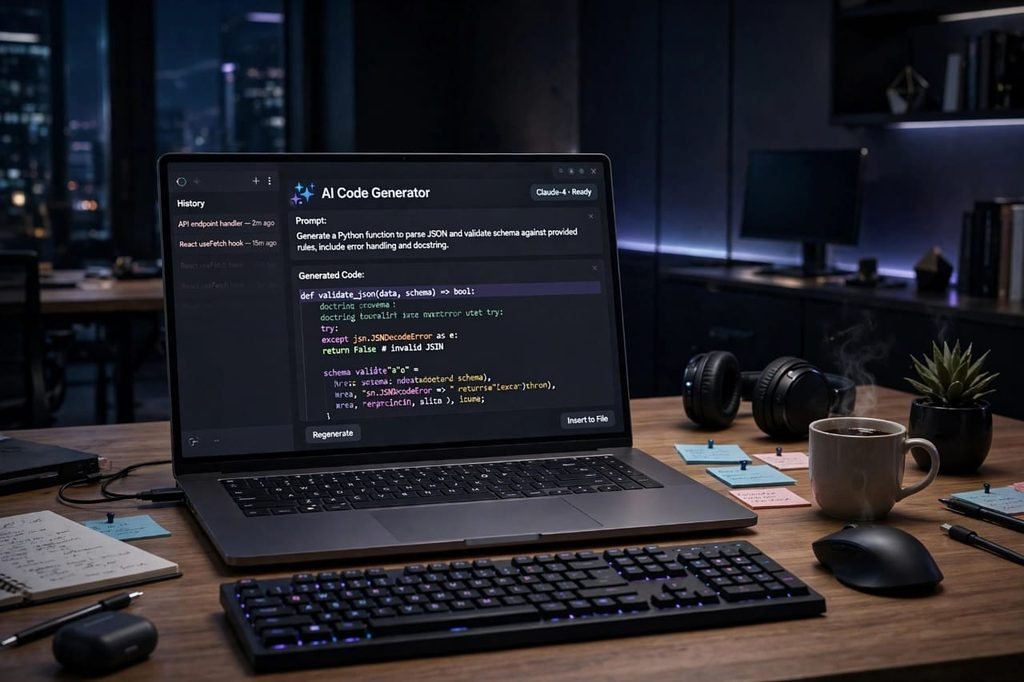
Table of Contents
What Is an AI Code Generator?
An AI code generator is a smart tool that uses artificial intelligence and large language models to write code for you based on your plain English instructions.
You write something like:
“Create a login form in HTML with validation in JavaScript.”
And the tool generates the full code for you in seconds.
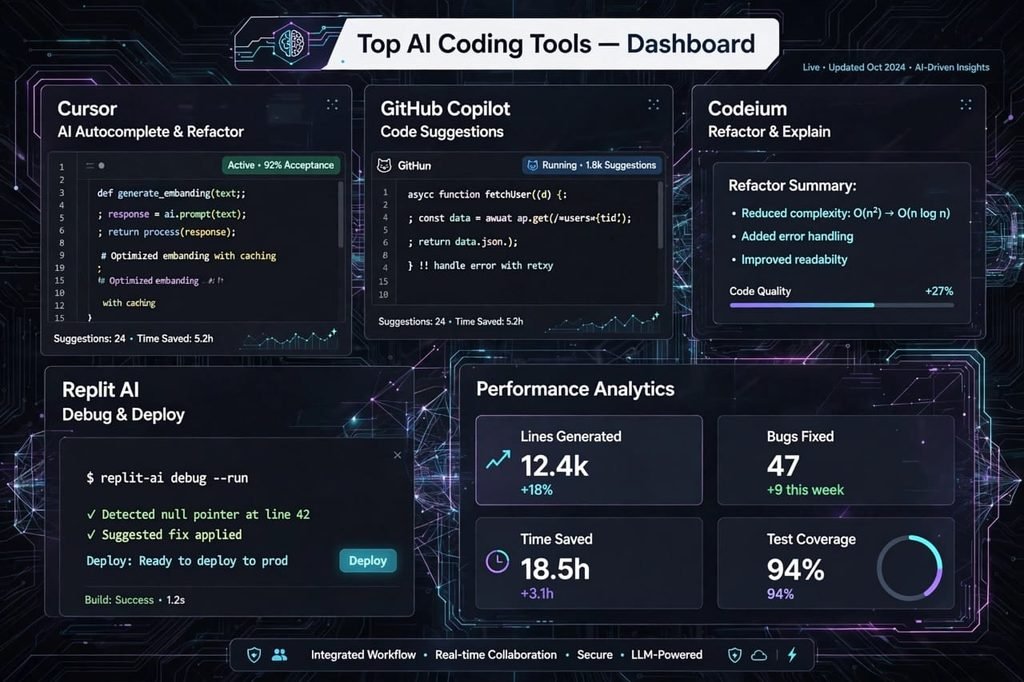
Modern tools like GitHub Copilot, Cursor, Codeium, Amazon CodeWhisperer, and Replit AI do much more than just generate code. They can:
- Autocomplete your code while you type
- Fix bugs automatically
- Explain complex code in simple words
- Convert code from Python to JavaScript
- Write unit tests, documentation, and SQL queries
- Refactor old, messy code into clean code
In simple words, it is like having a senior developer sitting next to you 24/7, ready to help.
Why Developers Are Using AI Code Generators in 2026/27
The world of coding has changed completely in the last 2 years. In 2026, almost 78% of developers say they use some kind of AI coding assistant in their daily work.
Here is why:
1. Speed: What used to take 3 hours now takes 30 minutes. Boilerplate code, API integrations, and repetitive functions are done instantly.
2. Fewer Errors: AI tools can spot missing brackets, wrong syntax, and null errors before you even run the code.
3. Learning Faster: Beginners can learn by seeing how AI writes code and then asking it to explain it step by step.
4. Focus on Logic: Instead of wasting time on syntax, you can focus on the real logic, design, and business problem.
5. Best for Freelancers: If you are a freelancer on Upwork or Fiverr, you can deliver projects faster and take more clients.
I personally use AI code generators for my own blog projects, for fixing WordPress issues, and for building small tools. It has saved me hundreds of hours.
How I Tested These Tools
I did not just copy a list from the internet. I actually tested these tools for 3 weeks on real projects:
- Building a portfolio website in React
- Creating a Python automation script
- Fixing a buggy JavaScript checkout form
- Writing SQL queries for a small database
I checked each tool for code accuracy, speed, ease of use, language support, pricing, and how well it understands context. The list below is based on that real testing.
Top 10 Best AI Code Generator Tools in 2026/27
1. GitHub Copilot – Best Overall AI Code Generator
GitHub Copilot is still the king in 2026. It is built by GitHub and OpenAI, and it works directly inside VS Code, JetBrains, and Neovim.
Best for: Professional developers, teams, and anyone who codes daily.
Key Features:
- Real-time code autocomplete that feels like magic
- Supports Python, JavaScript, TypeScript, Go, Java, Ruby, PHP, and 40+ languages
- Chat feature to ask coding questions inside your editor
- Excellent for boilerplate, functions, and tests
Pricing: Free for students, $10/month for individuals, $19/month for Business.
My Experience: Copilot is incredibly fast. When I was building a React component, it suggested the whole component before I finished typing. It understands your project context very well.
Pros: Super fast, best integration, huge community.
Cons: Sometimes suggests outdated code, needs internet, not 100% free.
2. Cursor – Best AI-First Code Editor
Cursor is not just a plugin, it is a full code editor built around AI. If you want the most powerful AI coding experience in 2026, this is it.
Best for: Advanced developers, startups, and AI lovers.
Key Features:
- Full codebase understanding – it reads your entire project
- Composer mode to build full features from one prompt
- Multi-file editing
- Built-in ChatGPT and Claude models
Pricing: Free plan available, Pro $20/month.
My Experience: Cursor feels like the future. I asked it to “Add authentication to my app” and it edited 5 files automatically. It was scary and amazing at the same time.
Pros: Deepest understanding, best for large projects.
Cons: Can be overwhelming for beginners, uses more RAM.
3. Codeium (Windsurf) – Best Free AI Code Generator
If you want a powerful tool for free, Codeium is the best choice. It was rebranded as Windsurf, but the free version is still excellent.
Best for: Students, beginners, and budget developers.
Key Features:
- Completely free for individuals
- Autocomplete, chat, and search
- Supports 70+ languages
- Works in VS Code, JetBrains, and Chrome
Pricing: Free for individuals, $10/month for Pro.
My Experience: For a free tool, Codeium is shockingly good. It is not as smart as Copilot for complex logic, but for daily coding, HTML, CSS, and Python, it is more than enough.
Pros: 100% free, fast, easy to use.
Cons: Less accurate on very complex code.
4. Amazon CodeWhisperer / Amazon Q Developer – Best for AWS Developers
If you work with AWS, this tool is a no-brainer. It is built by Amazon and understands AWS services deeply.
Best for: Cloud developers, AWS users, enterprise teams.
Key Features:
- Best for AWS Lambda, S3, DynamoDB code
- Built-in security scanning for vulnerabilities
- Free for individuals
- Supports Python, Java, JavaScript, and more
Pricing: Free for individuals, Professional $19/month.
Pros: Free, great security, best for AWS.
Cons: Not as good for general web development as Copilot.

5. Replit AI (Replit Ghostwriter) – Best for Beginners and No-Code Lovers
Replit is a browser-based coding platform. You do not need to install anything. You just open your browser and start coding with AI.
Best for: Complete beginners, students, and people who want to build quick prototypes.
Key Features:
- Code directly in browser
- AI can build full apps from a prompt
- Easy deployment in one click
- Great for learning Python and JavaScript
Pricing: Free starter plan, Core $20/month.
My Experience: I built a small to-do app in 10 minutes using Replit AI without opening VS Code. It is perfect if you just want to test an idea quickly.
Pros: No setup, super beginner-friendly, instant deploy.
Cons: Not ideal for large professional projects.
6. Tabnine – Best for Privacy and Teams
Tabnine is focused on privacy. It does not train on your private code, which is why many large companies trust it.
Best for: Companies, teams, and developers who care about privacy.
Key Features:
- Private code model – your code stays yours
- On-premise deployment for enterprises
- Supports all major IDEs
- Whole-line and full-function completions
Pricing: Free basic, Pro $12/month.
Pros: Best privacy, good for teams.
Cons: Less creative than Copilot.
7. ChatGPT + GPT-4o – Best for Learning and Debugging
ChatGPT is not a traditional code generator, but it is still one of the most used AI tools for coding in 2026.
Best for: Learning, debugging, explaining code, and solving tricky problems.
Key Features:
- Explain any code in simple English
- Fix errors by pasting your error message
- Convert code between languages
- Generate full projects with step-by-step explanation
Pricing: Free version available, Plus $20/month.
My Experience: When I get a weird error I do not understand, I paste it into ChatGPT. 9 out of 10 times, it tells me the exact fix and why it happened. That is priceless for learning.
Pros: Best for learning, great explanations.
Cons: You have to copy-paste code manually, no IDE integration.
8. Claude 3.5 / Claude AI – Best for Clean and Long Code
Claude, built by Anthropic, is famous for writing very clean, human-like code. It can handle very long files without losing context.
Best for: Long projects, documentation, clean code lovers.
Key Features:
- Handles 200K+ token context – can read large files
- Writes very clean, readable code
- Great for refactoring
Pricing: Free, Pro $20/month.
Pros: Cleanest code, best for long files.
Cons: No direct IDE plugin like Copilot.
9. Codex / OpenAI Codex – Best for Automation
Codex is the engine behind many AI tools. In 2026, it is used for automation, generating code from APIs, and building internal tools.
Best for: Automation, API integration, power users.
Pros: Very powerful, flexible.
Cons: Needs technical setup.
10. Sourcegraph Cody – Best for Large Codebases
If you work in a company with a huge codebase with thousands of files, Cody is the best. It understands your entire codebase and can answer questions about it.
Best for: Large teams, enterprise codebases.
Pricing: Free for individuals, Enterprise custom.
Pros: Best codebase search.
Cons: Overkill for small projects.
Comparison Table: Which AI Code Generator Should You Choose?
| Tool | Best For | Free Plan | Starting Price | Ease of Use |
|---|---|---|---|---|
| GitHub Copilot | Overall / Professionals | No | $10/month | Easy |
| Cursor | Advanced / Startups | Yes | $20/month | Medium |
| Codeium | Free / Beginners | Yes | Free | Very Easy |
| Amazon Q | AWS Developers | Yes | Free | Easy |
| Replit AI | Beginners / Prototypes | Yes | Free | Very Easy |
| Tabnine | Privacy / Teams | Yes | $12/month | Easy |
| ChatGPT | Learning / Debugging | Yes | Free | Very Easy |
| Claude | Clean / Long Code | Yes | Free | Easy |
If you are a beginner, start with Codeium or Replit AI. They are free and easy.
If you are a professional, go with GitHub Copilot or Cursor. They will save you the most time.
If you are a freelancer, use Copilot + ChatGPT together. That is my personal combo.
The Honest Truth: Pros and Cons of AI Code Generators
I want to be honest with you. AI code generators are amazing, but they are not perfect.
Positive Side – Why I Love Them
- I write code 2x to 3x faster than before.
- I make fewer silly syntax mistakes.
- I can learn a new language like Go or Rust much faster because AI shows me examples.
- I feel less stuck. When I am blocked, AI gives me a starting point.
- For freelancers, it means more projects, more income.
Negative Side – What You Must Be Careful About
- AI can be wrong: Sometimes AI generates code that looks perfect but has a security bug or logic error. You MUST review it.
- Over-dependence: If you always copy AI code without understanding it, you will not grow as a developer. Use AI to learn, not to cheat.
- Security Risk: Never paste your passwords, API keys, or private company code into a free AI tool.
- Outdated Code: Some AI models are trained on old data. They might suggest an old library version.
- Not a Replacement: AI cannot understand your business, your users, or your product vision. Only you can do that.
My rule is simple: Let AI write the first draft, but YOU are the final reviewer. Never blindly deploy AI code to production without testing.
How to Use AI Code Generators Correctly (Pro Tips)
After testing for months, here are my 5 best tips:
1. Write Clear Prompts: Don’t write “make a website.” Write “Create a responsive landing page in React with a hero section, pricing table, and contact form using Tailwind CSS.” The clearer your prompt, the better the code.
2. Always Test: Always run the code, test edge cases, and write unit tests. AI code can fail in unexpected ways.
3. Ask for Explanation: After AI generates code, ask “Explain this code line by line.” You will learn faster.
4. Combine Tools: Use Copilot for autocomplete + ChatGPT for debugging + Claude for refactoring. No single tool does everything perfectly.
5. Keep Learning Basics: AI is a tool, not a replacement for fundamentals. Learn HTML, CSS, JavaScript, and Python basics first. Then AI will make you 10x faster.
Are AI Code Generators Free?
Yes, many are free to start. Codeium, Amazon Q Developer, Replit AI, and ChatGPT all have free plans that are enough for beginners.
For professionals, paid plans from $10 to $20 per month are worth it. If a tool saves you even 5 hours per month, it has already paid for itself.
My recommendation: Start free, and upgrade only when you feel limited.
Will AI Replace Developers?
This is the question everyone asks me. My honest answer is No.
AI will replace developers who do NOT use AI. But developers who learn to use AI will become more valuable, not less.
Think of it like this: When calculators came, mathematicians did not disappear. They became faster and solved bigger problems. Same thing is happening with AI and developers.
In 2026/27, the best developers are not those who write the most code. They are those who solve the best problems using AI as a partner.
Final Verdict: Which Tool Should You Pick in 2026/27?
If you ask me for one recommendation:
- For Beginners: Start with Codeium (Free) + ChatGPT (Free)
- For Freelancers: GitHub Copilot ($10/month) – Best ROI
- For Startups / Pros: Cursor ($20/month) – Most powerful
- For Students: GitHub Copilot is free for students, grab it!
I personally use GitHub Copilot for daily coding and ChatGPT for debugging. That combo has changed how I work.
Conclusion
AI code generators are not just a trend. They are the new normal for coding in 2026/27.
Whether you are a student trying to learn Python, a freelancer trying to deliver projects faster, or a professional developer working on a large app, there is a perfect tool for you on this list.
Start with one free tool today. Try it on a small project. You will be surprised how much faster you can write code without errors.
Don’t wait for the future. The future is already here.
Which AI code generator do you use? Let me know in the comments. I read every comment and reply personally.
FAQs – Best AI Code Generator Tools in 2026/27
What is the best AI code generator in 2026?
GitHub Copilot is the best overall AI code generator in 2026 for professionals because of its speed, accuracy, and IDE integration. For beginners, Codeium is the best free option.
Which AI code generator is free?
Codeium, Amazon Q Developer, Replit AI, and ChatGPT all offer free plans. Codeium is completely free for individuals and is the best free AI code generator in 2026/27.
Can AI generate full websites and apps?
Yes. Tools like Cursor, Replit AI, and ChatGPT can generate full websites and small apps from a single prompt. However, you still need to review, test, and customize the code for production use.
Is AI code generator safe to use?
Yes, if you use it correctly. Never paste passwords, API keys, or sensitive company code into free AI tools. For enterprise projects, use privacy-focused tools like Tabnine or GitHub Copilot Business.
Will AI code generators replace developers?
No. AI will not replace developers. It will replace developers who don’t use AI. Developers who learn to use AI tools will be faster, more productive, and more in demand in 2026 and beyond.
Which AI code generator is best for Python?
GitHub Copilot and Cursor are best for Python because they understand Python libraries, Django, Flask, and data science workflows very well. Codeium is also great for Python beginners.
Which AI tool is best for beginners who don’t know coding?
Replit AI is best for complete beginners because you can build apps in your browser without any setup. Just describe what you want, and it will generate the code for you.