
Best AI Video Generators in 2026 have changed everything. A year ago, if someone told me I could type one sentence and get a full video in 30 seconds, I would have laughed. Today, I do it every single day.
I run a small blog, I manage YouTube content, and I help clients with social media. Video used to be the most expensive and time-consuming part of my work. I needed a camera, a mic, editing software, and at least 3 to 4 hours for one short video. Now, with AI video generators, I can create a decent video while drinking my morning chai.
But here is the honest truth that no one tells you: not every AI video tool is good. Some are amazing. Some are just hype. And some will waste your money and your time.
Many creators are now using the Best AI Video Generators in 2026 to save time and money.
In the last 3 months, I personally tested 7 popular AI video generators for YouTube Shorts, TikTok, Instagram Reels, client ads, and blog content. I spent my own money, I made real videos, and I faced real problems. This article is my honest, human experience, with both the good and the bad.
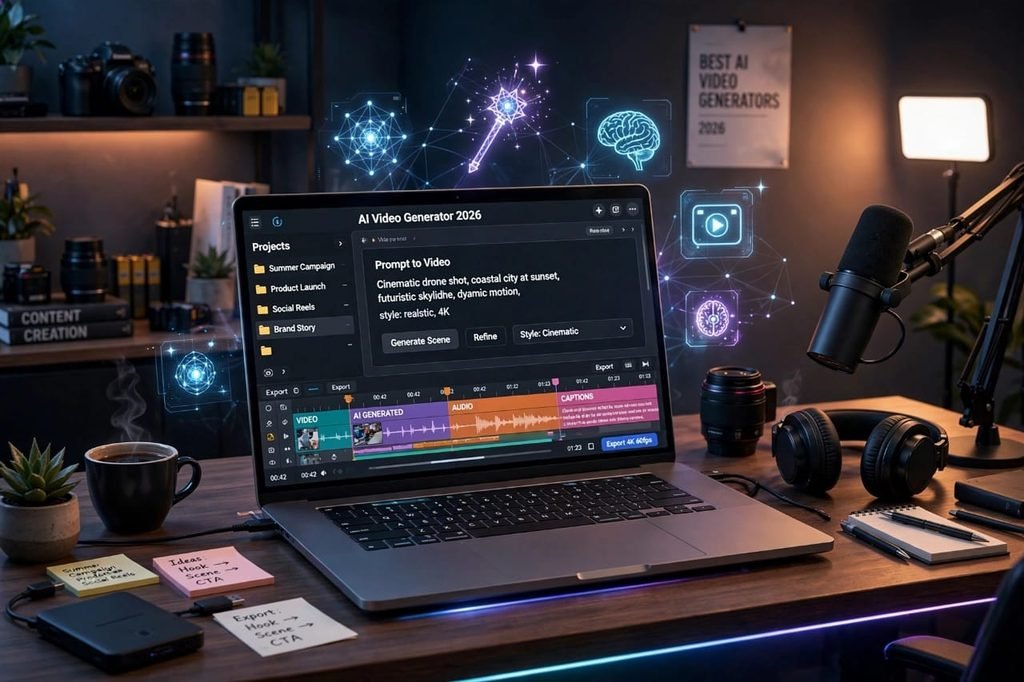
Table of Contents
What Is An AI Video Generator, Really?
An AI video generator is a tool that turns text, images, or a simple idea into a video automatically.
You type something like: “A young man walking in Lahore in the rain, cinematic style.” The AI creates visuals, adds motion, adds music, and sometimes even adds a voiceover. Some tools can also turn your blog post into a video, or turn your face photo into a talking avatar.
It sounds like magic, and sometimes it really feels like magic. But sometimes it feels like a cheap cartoon. The difference is in which tool you choose and how you use it.
Why AI Video Generators Exploded in 2026
There are three clear reasons why everyone is searching for these tools in 2026.
1. Short Video Is King
TikTok, YouTube Shorts, and Instagram Reels now get more views than long videos. But making 1 short video every day is exhausting. AI makes it possible for one person to post daily without burning out.
2. No Camera, No Problem
Many people in Pakistan, India, and other countries want to earn from YouTube but they are shy on camera. AI lets them create faceless channels. You do not need to show your face, you do not need a studio.
3. Business Needs More Content
Small businesses cannot afford a full video team. A shop owner in Khanewal or Multan can now make a product ad in 10 minutes instead of paying 20,000 rupees to an agency.
That is why this topic is so hot on Google. It is not just a trend. It is a real need.
How I Tested These Tools
I did not just read their websites. I actually used them.
For each tool, I did the same 3 tests:
- Text to Video: I gave the same prompt: “A motivational story about a student who never gives up.”
- Faceless YouTube Short: I created a 40-second short with voiceover and subtitles.
- Product Ad: I created a 15-second ad for a simple product like a watch.
I checked video quality, realism, voice quality, speed, ease of use, and pricing. I also checked what happens when the tool fails, because that matters too.
The 7 Best AI Video Generators in 2026
Here is my honest ranking, from best to worst, based on real use.
1. Runway Gen-4 – Best For Realistic Cinematic Videos
If you want videos that look like they were shot with a real camera, Runway is still the king in 2026.
What I Loved
The motion is smooth. The faces look natural. The lighting looks real. I made a cinematic travel-style video and my friend thought I had used stock footage. It also gives you a lot of control over camera movement, which is rare.
What I Did Not Like
It is expensive. The free plan is very limited, you get only a few seconds. And it is not for beginners. The interface can feel confusing at first. Sometimes it takes 2 to 3 minutes to generate one clip, which is slow if you need bulk content.
Best for: Filmmakers, serious creators, high-quality ads
Price: Free trial, then paid plans start around $12/month
My Rating: 4.7 / 5
2. Pika 2.0 – Best For Fun, Creative Shorts
Pika is my favourite for TikTok and Reels. It is fast, fun, and very creative.
What I Loved
It is super easy to use. You type a prompt, and in 20 seconds you have a video. It is great for funny, surreal, and stylized videos. I used it for a motivational channel and the results were surprisingly good.
If you are confused, this guide to the Best AI Video Generators in 2026 will help you choose the right one.
What I Did Not Like
The realism is not as good as Runway. Sometimes hands look weird, and faces can change in the middle of a video. For professional client work, it can feel a little less polished.
Best for: TikTok, Reels, faceless channels, beginners
Price: Free plan available, Pro around $10/month
My Rating: 4.5 / 5
3. Sora 2 by OpenAI – Best For Storytelling
Sora 2 is the most talked-about tool of 2026, and for a good reason. It understands stories better than any other tool.
What I Loved
I gave it a 3-line story, and it created a video with proper beginning, middle, and end. The characters stayed consistent. The dialogue felt natural. For storytelling channels, this is a game-changer.
What I Did Not Like
Access is still limited in some countries, including Pakistan. You often need a VPN or waitlist. And it is not cheap. Also, sometimes it refuses to generate certain prompts because of its strict safety filters, which can be frustrating.
Best for: Storytelling, YouTube documentaries, animated stories
Price: Included with ChatGPT Plus / Pro plans
My Rating: 4.5 / 5
4. Veo 3 by Google – Best For Realistic Voice and Sound
Google’s Veo 3 shocked me. The biggest difference is sound. Most AI videos are silent or have fake music. Veo 3 generates real dialogue, background sounds, and ambient noise.
What I Loved
I created a video of a market in Lahore, and it added real crowd sounds, shop sounds, and natural dialogue. It felt alive. The video quality is also very high, almost 4K.
What I Did Not Like
It is very slow compared to others. One 8-second clip can take 4 to 5 minutes. And the credits finish very fast. If you want to make 10 videos a day, you will need an expensive plan.
Best for: Realistic ads, vlogs, cinematic shorts with sound
Price: Through Google AI plans, credits-based
My Rating: 4.4 / 5
5. InVideo AI – Best For Beginners and Bloggers
If you are a blogger like me and you want to turn your article into a video in 5 minutes, InVideo AI is the easiest option.
What I Loved
You paste your blog URL, and it makes a full video with script, voiceover, and stock clips. I turned my “How to Earn Money With AI” article into a YouTube video in 12 minutes. The templates are clean and professional.
What I Did Not Like
The videos look a bit generic. They look like every other InVideo video on YouTube. If you want unique, cinematic content, this is not the tool. It is also heavily dependent on stock footage, not true AI generation.
Best for: Bloggers, small businesses, quick social media posts
Price: Free plan with watermark, paid from $20/month
My Rating: 4.2 / 5
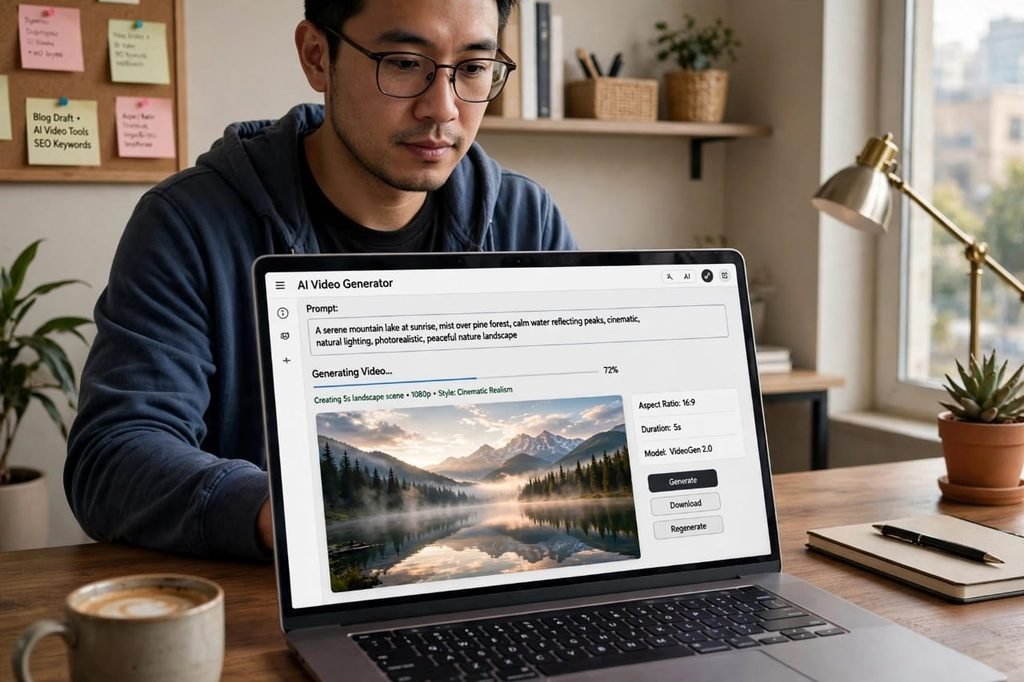
6. HeyGen – Best For AI Avatars and Talking Videos
HeyGen is different. It does not create fantasy videos. It creates a realistic AI avatar that talks like a human.
What I Loved
I uploaded my photo and created a talking avatar in 10 minutes. It spoke in clear English and Urdu. For course creators, coaches, and businesses that need a presenter but do not want to record daily, this is perfect.
What I Did Not Like
The avatar still looks a little robotic if you watch closely. The lip-sync is good but not perfect. And if you use it too much, your audience will know it is AI. Trust can drop if you hide it.
Best for: Online courses, business presentations, explainer videos
Price: Free trial, paid from $24/month
My Rating: 4.0 / 5
7. CapCut AI – Best Free Option For TikTok
CapCut is not a pure AI video generator, but its AI features in 2026 are very powerful, and it is mostly free.
What I Loved
It is free. It has auto-captions, AI background removal, AI script to video, and trending templates. For a student in Pakistan with zero budget, this is the best starting point.
What I Did Not Like
Quality is basic. You cannot create high-end cinematic videos like Runway or Veo. And the free version adds a watermark on some features, which looks unprofessional for client work.
Best for: Students, beginners, TikTok creators with zero budget
Price: Free, Pro version available
My Rating: 3.9 / 5
Quick Comparison Table
| Tool | Best For | Quality | Ease of Use | Price |
|---|---|---|---|---|
| Runway Gen-4 | Cinematic | Excellent | Hard | $$ |
| Pika 2.0 | Shorts / Fun | Very Good | Easy | $ |
| Sora 2 | Storytelling | Excellent | Medium | $$ |
| Veo 3 | Realistic Sound | Excellent | Medium | $$$ |
| InVideo AI | Blog to Video | Good | Very Easy | $$ |
| HeyGen | Avatars | Good | Easy | $$ |
| CapCut AI | Free TikTok | Average | Very Easy | Free |
The Honest Pros and Cons of AI Video Generators
Let me be very honest. AI video is powerful, but it is not perfect.
Pros
- You can make a video 10x faster than traditional editing
- No need for camera, studio, or expensive equipment
- Perfect for faceless YouTube channels
- You can test 10 ideas in one day and see which one goes viral
- Great for people who are shy or have no video skills
Cons
- Hands, faces, and text in videos still look weird sometimes
- Most good tools are expensive if you need daily content
- Videos can look generic and similar to others
- YouTube and TikTok are now full of low-quality AI spam, so you must stand out
- Copyright and ethics issues are still unclear in 2026
- You still need human creativity. AI cannot replace your story and your ideas
If someone tells you AI video is 100% perfect, do not believe them. It is a tool, not a magic button.
My Personal Recommendation: Which One Should You Choose?
After testing all 7, here is my simple advice:
If you are a beginner with no money: Start with CapCut AI + Pika free plan. Learn the basics first.
If you are a YouTuber and want to grow fast: Use Pika 2.0 for daily Shorts and Runway for your best videos.
If you are a blogger: Use InVideo AI to turn your articles into videos. It will double your traffic.
If you are a business owner: Use HeyGen for product explainers and Veo 3 for one high-quality ad per month.
If you want to make money as a freelancer: Learn Runway + Pika + CapCut. Offer “AI video creation” service on Fiverr. Clients are paying $50 to $200 per video in 2026.
Do not buy all tools at once. Pick one, master it for 30 days, then add another if you need it.
5 Mistakes I Made That You Should Avoid
- Trusting the first result: The first video AI makes is rarely the best. Always generate 2 to 3 versions and pick the best one.
- Using long prompts: Short, clear prompts work better. Instead of a paragraph, write: “Cinematic, slow motion, golden hour, mountain lake.”
- Ignoring voiceover: A good human-sounding voiceover can make a bad video look good. A robotic voice can ruin a good video.
- Posting without editing: Never post raw AI video. Add your own captions, music, and a strong hook in the first 3 seconds.
- Copying others: If 10,000 people use the same template, your video will not stand out. Add your own story, your own voice, your own angle.
The Future: Will AI Replace Video Editors?
This is the question everyone asks me. My honest answer is: No, not completely.
AI will replace boring, repetitive editing work. It will replace basic stock video creation. But it will NOT replace human creativity, storytelling, and emotion.
In 2026, the best creators are not those who use only AI. They are those who use AI + Human touch. AI does the heavy lifting, human adds the heart.
If you learn to combine both, you will win.
Final Verdict
After 3 months of testing, my final verdict is clear: AI video generators are no longer a toy. They are a real business tool.
Runway is the most professional. Pika is the most fun. Sora is the best storyteller. Veo is the most realistic. And CapCut is the best free start.
But the tool does not matter as much as your consistency. The creator who posts 1 video every day for 90 days will beat the creator who has the best tool but posts once a month.
So pick one tool from this list today, make your first video today, and do not wait for perfection.
My Overall Winner for 2026: Runway Gen-4 for quality, Pika 2.0 for daily content.
Have you tried any of these AI video generators? Which one worked best for you? Tell me in the comments, your experience can help other creators decide.
In short, the Best AI Video Generators in 2026 make video creation faster for everyone.